Secrets
A device's file never holds a password. It only points to one by its name:
users: { operator: { role: "admin", password: secret("EDGE_01_PASSWORD") } },The value goes in .circuit/secrets, encrypted:
circuit secrets set EDGE_01_PASSWORDCircuit asks for the value without showing it. In all output, a secret shows as <redacted>.
How it works
.circuit/secretsis encrypted value by value, inNAME="encrypted:..."lines. It is safe to commit, so your team shares secrets through git.- One password opens the file. It is never in the file or in
circuit.ts. Circuit takes the first of:CIRCUIT_SECRETS_PASSWORDin the environment, such as in CI: the password, or a 1Password reference.CIRCUIT_SECRETS_PASSWORD="op://vault/item/field"in the secrets file. Only a 1Password reference can go there. See 1Password.- The password Circuit remembers.
- You, when a command needs a secret:
diff,apply,exec,bgp,access-console,sync, orcircuit secrets.
- Any value can be a 1Password reference (
op://...).
The first password
The first circuit secrets set asks you to choose a password of 12 characters or more. If you leave it empty, Circuit makes one and shows it once. Save it in your password manager right away. If you lose it, you have to set every secret again.
Edit secrets
circuit secrets alone opens every secret, decrypted, in a text editor in the terminal:
# Circuit's secrets, each value encrypted, so this file is safe to commit. Change them with: circuit secrets
EDGE_01_PASSWORD=s3cret-value
SNMP_COMMUNITY=op://Network/SNMP/password
Change, add, or delete lines. Ctrl+S saves, and Esc leaves. Only the values you changed are encrypted again, so git shows just those. Circuit never writes a decrypted value to disk.
If a value starts or ends with a space, put it in quotes: NAME=" value ".
The other secrets commands are in the circuit command.
Remembering for a while
Circuit can remember the password you typed and the values it read from 1Password, so the next commands don't ask again. After a command, it asks how long: no, 10 minutes, 30 minutes, or 24 hours.
While Circuit remembers, any program that runs as you on this computer can get those secrets, and 1Password doesn't ask you. Locking 1Password doesn't make Circuit forget them.
They are kept in memory, never in a file. They are gone when the time is up, when the computer restarts, or after circuit secrets forget.
Scripts never ask for a password. They use secrets Circuit already remembers.
Changing the password
Change it when someone who knows it leaves, or when it may have leaked.
- Run
circuit secrets password. It asks for the old password, then the new one. - Commit
.circuit/secrets. - Give the new password to your team. If it is in 1Password, put the new one in the same item.
This password only opens the file. If a device's password leaked, set a new one with circuit secrets set, then send it with circuit apply <device> --secrets.
Lab and staging
Write a lab or staging setup as its own network, with its own secrets file and password:
// circuit.ts
export const as64500 = circuit({ asn: 64500, sites: { "fra-1": { description: "Frankfurt" } } }); // .circuit/secrets
export const lab = circuit({ sites: { lab: { description: "Lab rack" } }, secrets: { file: ".circuit/lab-secrets" } });
circuit secrets works on .circuit/secrets. For another file, add --file, such as circuit secrets set EDGE_01_PASSWORD --file .circuit/lab-secrets.
The commit check
In a git project, Circuit adds a git hook. It stops a commit, from any git program, if:
- a secrets file has a value in plain text. To fix it, run
circuit secrets encrypt, then stage the file again. - a secrets file holds its own password. Only
CIRCUIT_SECRETS_PASSWORD="op://..."can be written there. - the project fails
circuit validate.
It also checks each project inside your project's folder, such as customers/acme/, with that project's Circuit version.
The hook can't catch everything:
git commit --no-verifyskips it.- Edits on the GitHub website skip it.
- On a fresh clone, it works only after Circuit has run there once.
If a password in plain text reached a pushed commit, deleting the commit doesn't help. Change the password on the device.
Circuit also refuses a value in plain text when it runs.
Other ways
- An environment variable:
EDGE_01_PASSWORD=... circuit apply edge-01. It wins over the file. - A file:
secretFile("keys/wg-edge-01.key")reads a file in the project, such as a private key. Keep that file out of git.
In Studio
Studio's Secrets page lists what circuit secrets list lists, and shows the values only when you ask.
- Open Secrets.
- Type the file's password.
- Press Show values, and Hide when you're done.
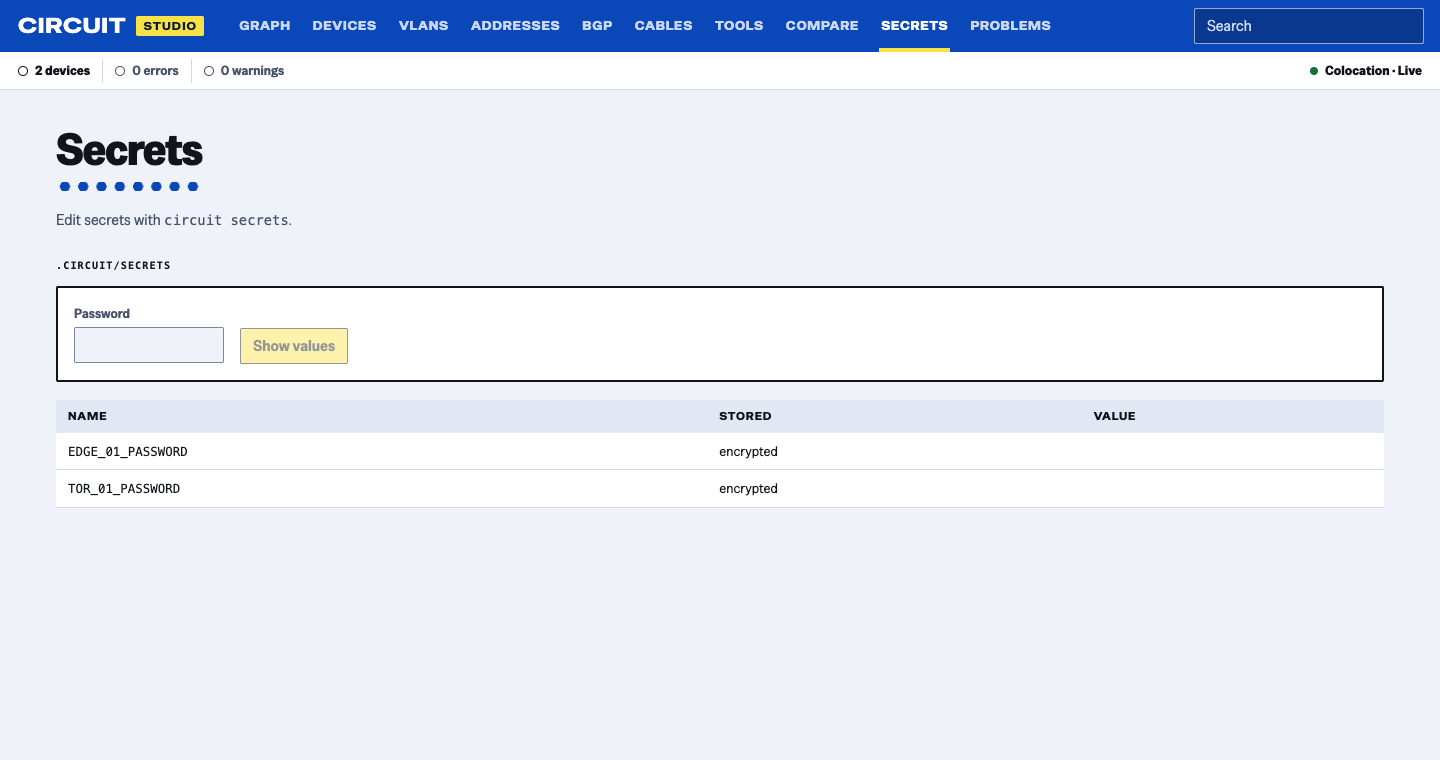
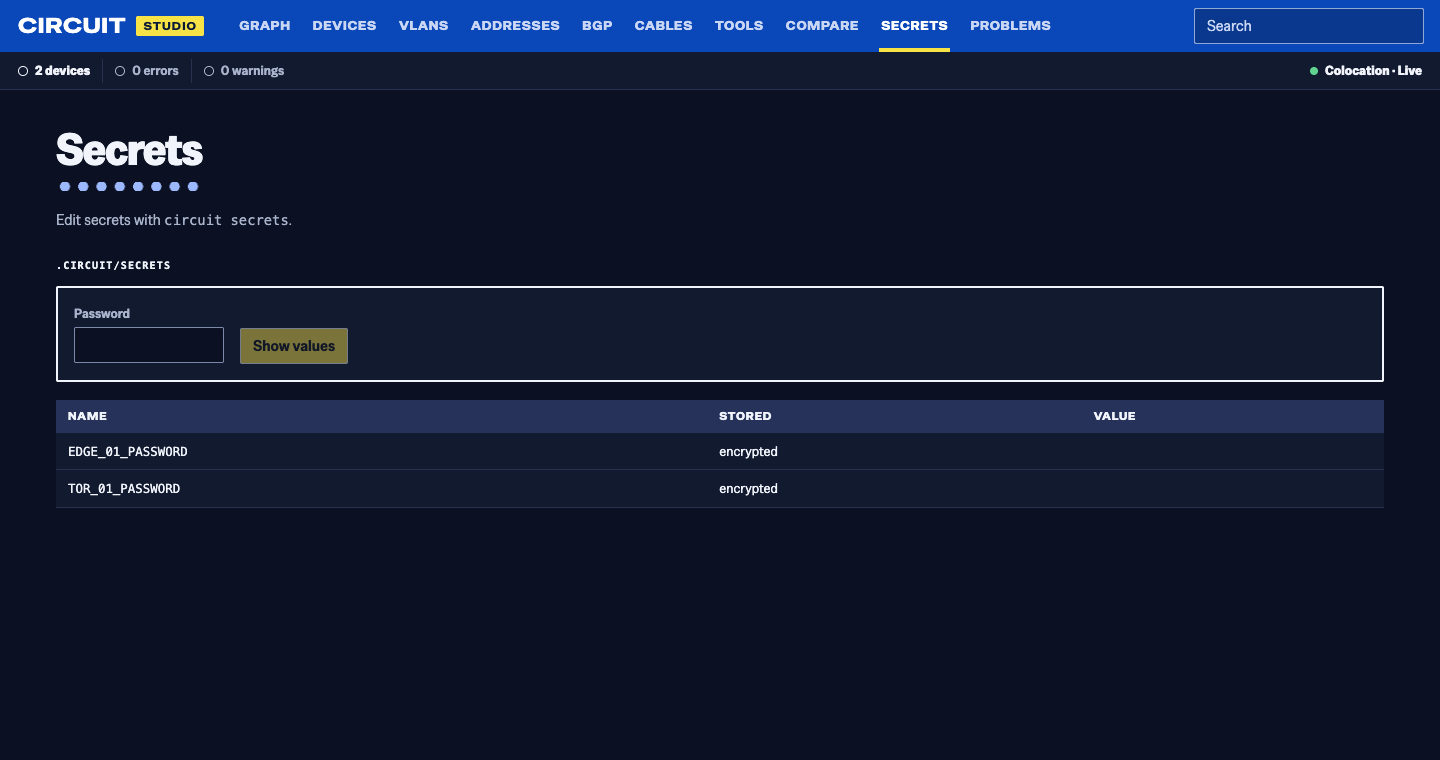
Your browser decrypts the values, so the password never goes to the server. After a reload, you type it again. Studio only reads: to change a value, use circuit secrets.