Circuit Academy
Learn how networks work from the very start, then write real networks down in Circuit. You need no setup: every lesson has something to try in your browser.
The best practices take one practice each, say why Circuit expects it, and need no level to open.
Start with lesson 1 if networking is new to you. If you know some already, take the entry check of the level that fits.
Your progress is kept in this browser only.

Level 1: Beginner
How networks talk
For anyone who has never studied networking. Every word is explained when you first meet it.
- What is a network?
Say what a network is, and what the internet is made of.
- Cables, light, and radio
Tell a LAN cable from a fiber and an optic, and say how far and how fast each one goes.
- Messages in pieces
Explain why data travels in small packets, and how they are put back together.
- Addresses
Tell a device's hardware address from its IP address, and say what each is for.
- Counting like a computer
Read and write the numbers 0 to 255 in bits.
- Reading an IP address
Split an address into its network and host parts, and read a prefix such as /24.
- Switches
Describe how a switch learns where each device is and delivers a frame.
- Routers and the gateway
Follow a packet from one network to another through a gateway.
- Names and numbers: DNS
Follow a name such as circuit.tako.id to the address it stands for.
- Ports and protocols
Say how one device runs many services, and when TCP or UDP is used.
- Opening a website
Walk through every step from typing an address to seeing the page.
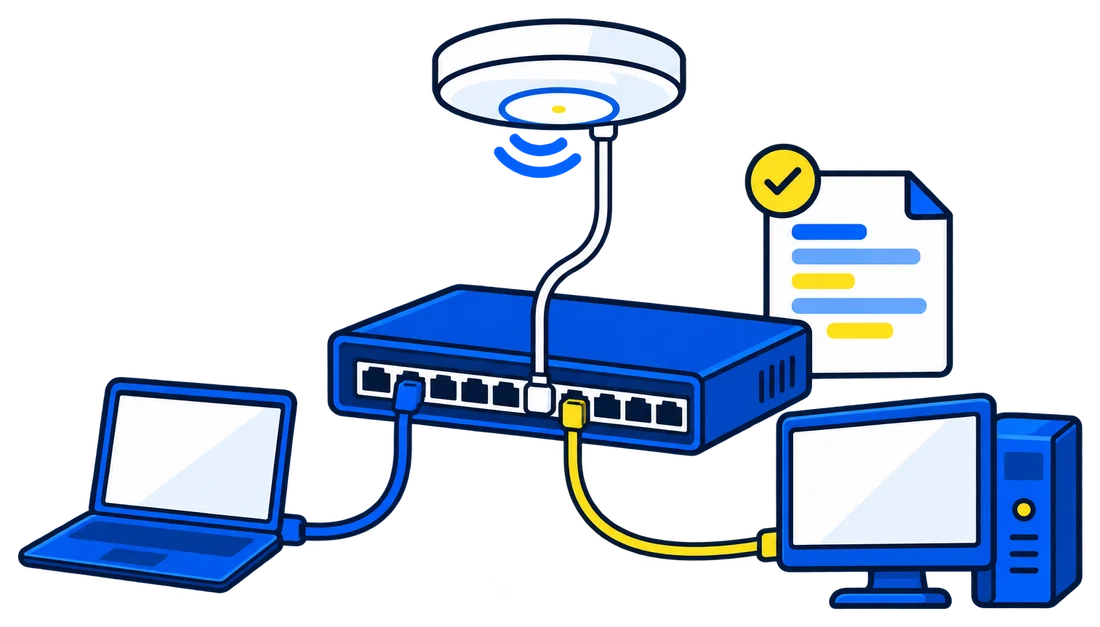
Level 2: Elementary
Build a small network
For readers who finished Beginner. You build a home or office network, and write it down in Circuit.
Locked Opens with its entry check: 10 questions about Beginner.
- Layers
Name the layers a message is wrapped in, and what each one adds.
- Writing a network down
Read a Circuit device file and the plan Circuit makes from it.
- VLANs
Split one switch into separate networks, and write the VLANs in Circuit.
- Trunks
Carry several VLANs over one cable between two devices.
- Handing out addresses: DHCP
Give every device on a VLAN an address and a gateway automatically.
- Sharing one address: NAT
Explain how a whole home reaches the internet through one public address.
- Firewalls
Write rules that decide which traffic may pass, and read them in order.
- Keeping the keys
Control who may log in to a device, and keep its passwords encrypted.
- Project: a single site
Write the files of a router and a switch for a small site, check them, and apply them.
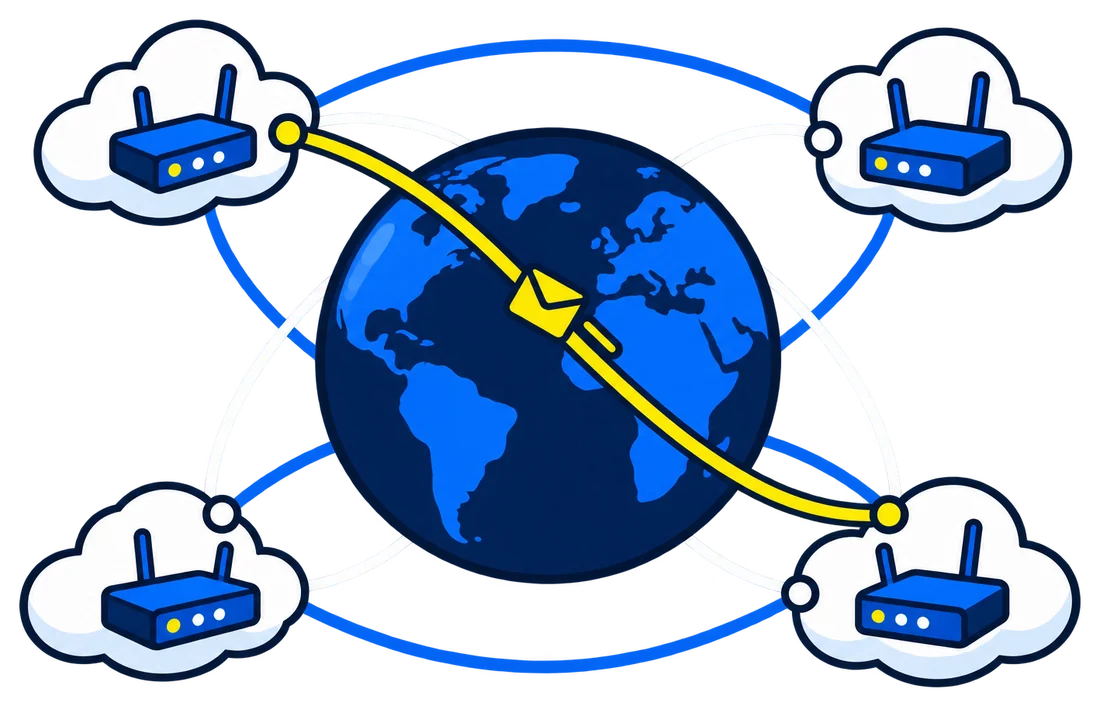
Level 3: Intermediate
Routing and the internet
For readers who can build a site. You learn how networks reach each other, up to running your own edge router.
Locked Opens with its entry check: 10 questions about Elementary.
- Routing tables
Pick the route a router uses for an address, by the longest match.
- IPv6
Read, shorten, and plan IPv6 addresses.
- Routers that talk: OSPF
Explain how routers find the shortest path, and how they route around a broken link.
- Networks of networks
Tell transit from peering, and say what an AS number and an exchange are.
- BGP
Follow a route as it is announced from one AS to the next.
- Choosing the best route
Predict which of several routes BGP picks, and change its choice.
- Route policies
Accept only the routes you mean to, and announce only your own.
- Staying up
Join links into a LAG, and stop a loop of switches from flooding the network.
- Project: an edge router
Run your own AS with a transit provider and an exchange, written in Circuit.
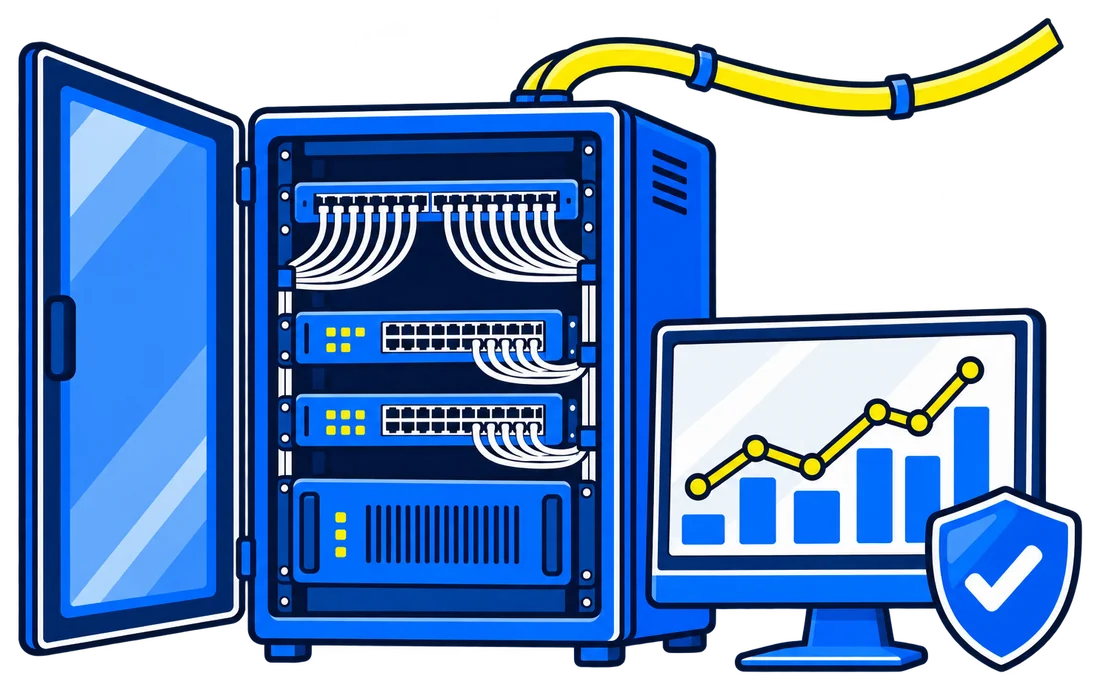
Level 4: Professional
Running a provider network
For readers who can run an edge router. You learn what providers sell, their hardware, routing at scale, routing security, and running a network day to day.
Locked Opens with its entry check: 10 questions about Intermediate.
- Reaching the customer
Say how a customer is connected, over fiber, copper, radio, or satellite, and what each does to speed and delay.
- What an ISP sells
Tell broadband, DIA, IP transit, and IX transit apart, and read how each is billed.
- Carrying your own traffic
Choose Metro-E, L2 transport, IP VPN, IPLC, IEPL, dark fiber, or a wavelength to fit a need.
- Who runs the internet
Name the kinds of networks a packet crosses, and where addresses and AS numbers come from.
- Roles in a network
Lay a network out by role, from core to access, and name devices so the name says the role.
- Choosing a device
Pick a device and the optics for a role, from what it must forward and how many routes it must hold.
- BGP inside a network
Run iBGP between loopbacks with route reflectors, and keep it fast with ECMP and BFD.
- Separate networks on one
Keep customers apart with VRFs, and say what MPLS and VXLAN with EVPN solve.
- Hijacks and leaks
Tell a hijack from a leak, and stop both with RPKI, IRR filters, and MANRS.
- Attacks on the network
Stop spoofed traffic, shed a flood with blackholing, and protect the router itself.
- Watching the network
Graph traffic, see who sends what, and alert on what matters.
- Running it day to day
Change the network through review, handle an incident, and keep records of racks, cables, and addresses.
- Project: a colocation
Host tenants with their own VLANs, addresses, and ports, written in Circuit.
- Project: an internet exchange
Run an exchange's peering LAN and route servers, written in Circuit.