Your network, written down.
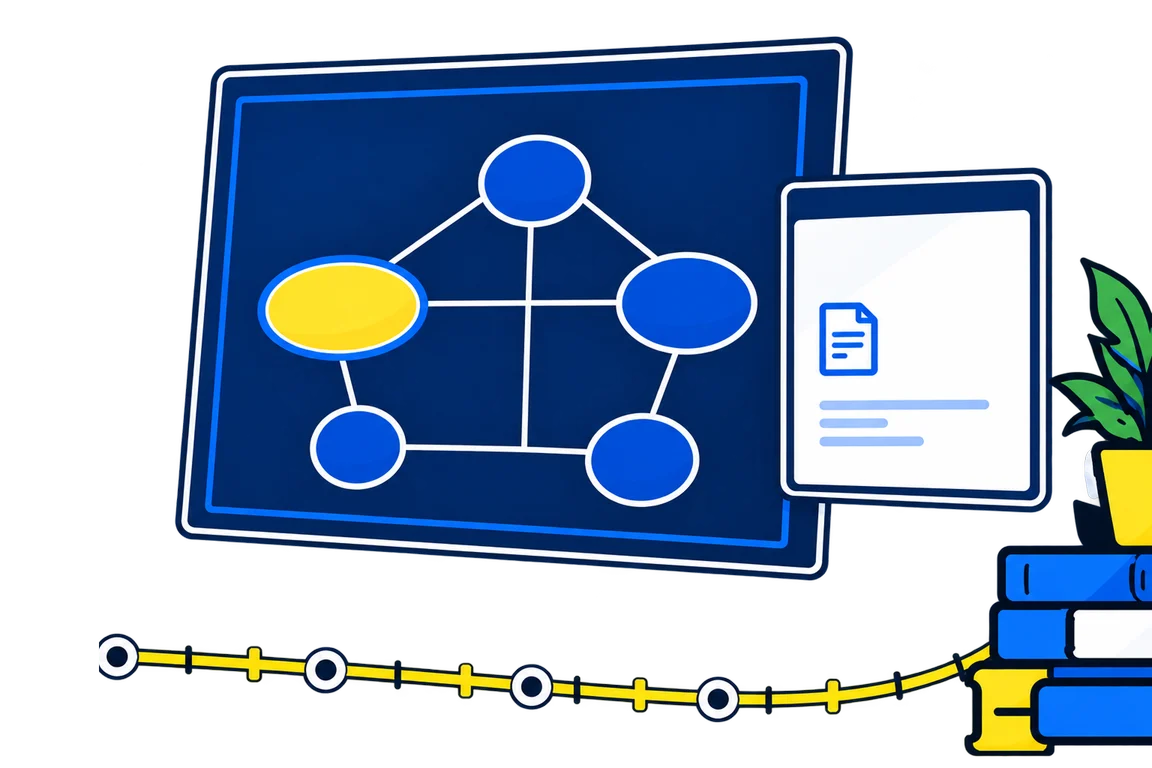 1Device file One TypeScript file for each router or switch. Your editor checks every name as you type.2Check A rule about your network that every change must pass, run on all devices together.3Plan Every command that would be sent, in the device's own language, before anything is sent.4Apply Sends the plan only once you say yes, the safest way the device allows.5Live read Circuit reads what the device runs now, every time, so a plan is never out of date.6Git history Every change, with its author and its reason, in your own repository.
Why
A network configured by hand drifts. Someone adds a VLAN during an outage, someone else tests a firewall rule and forgets it, and a year later nobody knows why a port is on. The device is the only record, and it does not say who changed what, or why.
With Circuit the record is the file. Whatever the file leaves out does not stay on the device:
| Not in the file | On the device |
|---|---|
| A port | is shut down |
| A user | is removed |
| A service | is off |
And git keeps every change with its author and its reason.
How
Change the file. VLANs, ports, addresses, routing, firewall: the same words for every vendor. Your editor checks every name as you type.
edge-b1.tsCheck it. Circuit catches what a device cannot do, and any rule of your own that the change breaks.
circuit validateRead the plan. Circuit reads what the device runs now, and shows every command that would be sent, in the vendor's own language.
circuit apply edge-b1Say yes. Circuit applies the change the safest way the device allows, and keeps it only once it can still log in afterwards.
Send these changes to edge-b1? Yes
Where to begin
Pick the example closest to your network. Each one is a whole project: copy it, and change it to your own.
- A single site
A home, an office, or an internal network. A router and a switch, no BGP.
- circuit.ts
- lib/checks.ts
- sites/home/router.ts
- sites/home/site.ts
- sites/home/switch.ts
- An edge router
Your own AS number, with an IP transit and an internet exchange.
- circuit.ts
- lib/checks.ts
- sites/pop-1/edge-01.ts
- Colocation with tenants
Customers who each get their own VLANs, addresses, and ports.
- circuit.ts
- lib/checks.ts
- sites/dc-1/edge-01.ts
- sites/dc-1/site.ts
- sites/dc-1/tor-01.ts
- tenants/index.ts
- tenants/netflix.ts
- An internet exchange
Two fabric switches, one peering LAN, and a file per member.
- circuit.ts
- lib/checks.ts
- members/cloudflare.ts
- members/google.ts
- members/index.ts
- sites/ix-1/ix-sw-01.ts
- sites/ix-1/ix-sw-02.ts
- sites/ix-1/site.ts
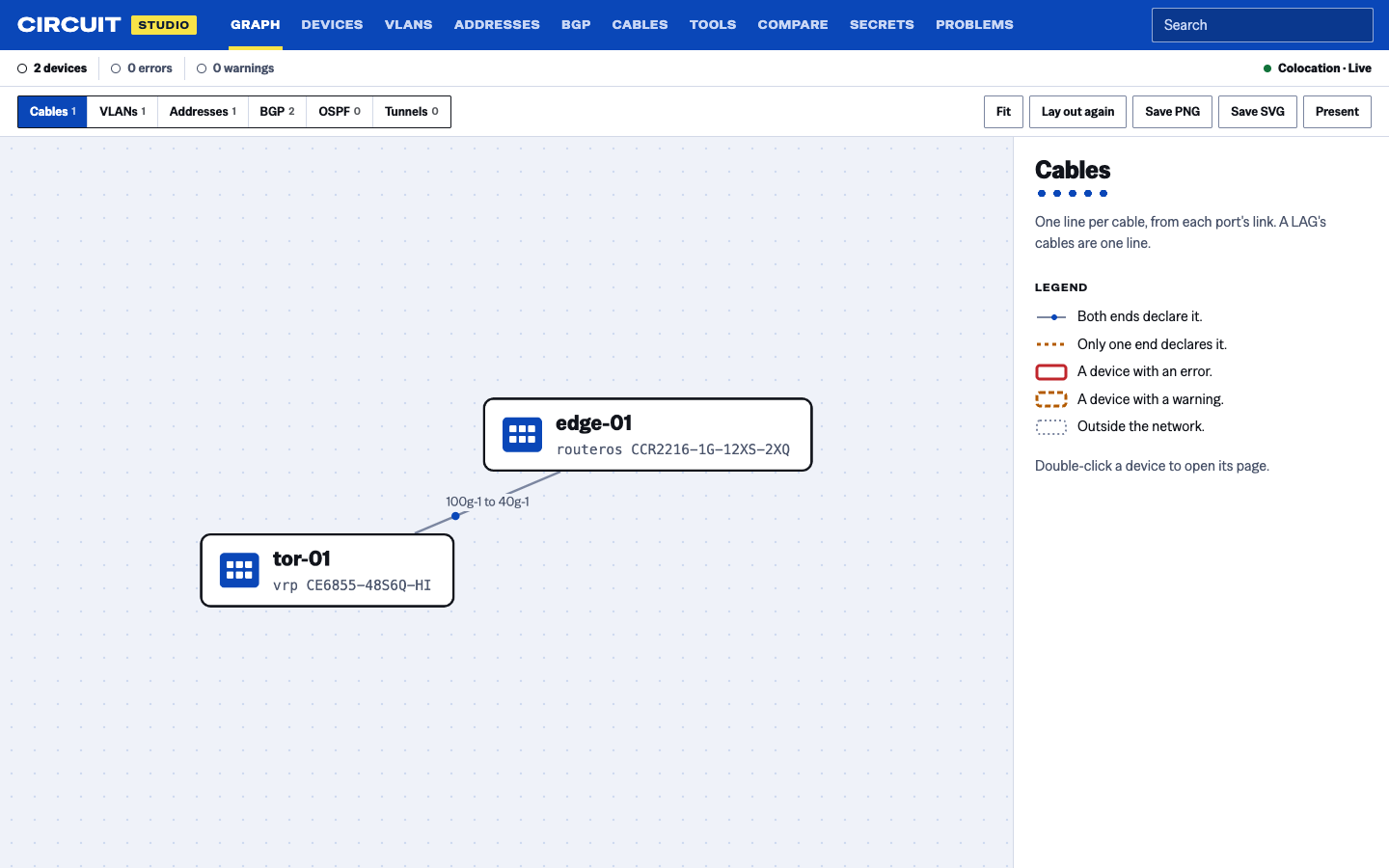
The whole network, drawn
circuit studio draws the network and lists everything in your files, so the whole team can look things up, including people who do not read TypeScript. It reads only the files, and logs in to a device only when you ask it to read one.
New to networking?
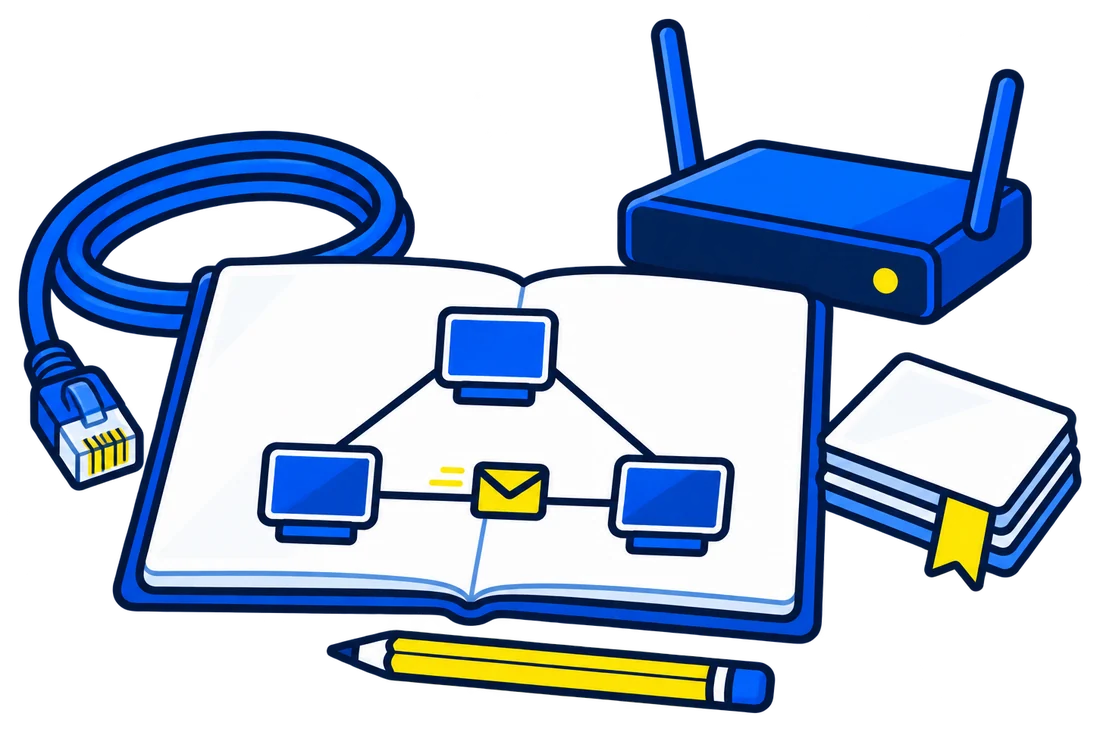
Circuit Academy starts from nothing and gets you to running a provider network, with something to try in your browser in every lesson.
- Beginner: How networks talk
For anyone who has never studied networking. Every word is explained when you first meet it.
- What is a network?
- Cables, light, and radio
- Messages in pieces
- Addresses
- and 7 more
- Elementary: Build a small network
For readers who finished Beginner. You build a home or office network, and write it down in Circuit.
- Layers
- Writing a network down
- VLANs
- Trunks
- and 5 more
- Intermediate: Routing and the internet
For readers who can build a site. You learn how networks reach each other, up to running your own edge router.
- Routing tables
- IPv6
- Routers that talk: OSPF
- Networks of networks
- and 5 more
- Professional: Running a provider network
For readers who can run an edge router. You learn what providers sell, their hardware, routing at scale, routing security, and running a network day to day.
- Reaching the customer
- What an ISP sells
- Carrying your own traffic
- Who runs the internet
- and 10 more
Certification is coming. You will be given a network to build in Circuit, and once it passes review, you are listed among the graduates. How it will work
Take the first lessonWhat it runs on
| Platform | Tested on |
|---|---|
| MikroTik RouterOS 7 | CCR2216-1G-12XS-2XQRB5009UG+S+ |
| Huawei VRP | CE6855-48S6Q-HI |
| Raisecom ROS | RAX721-C-6C48 |
| Juniper Junos | QFX5100-48S-6Q |
| Fortinet FortiOS | FG-3700D |
Write down your first device.
One command installs Circuit. Then circuit new writes your first project.
Run it in a terminal. Or read what Circuit is first, and how a project starts.